How do I update/change my payment method?Updated 18 days ago
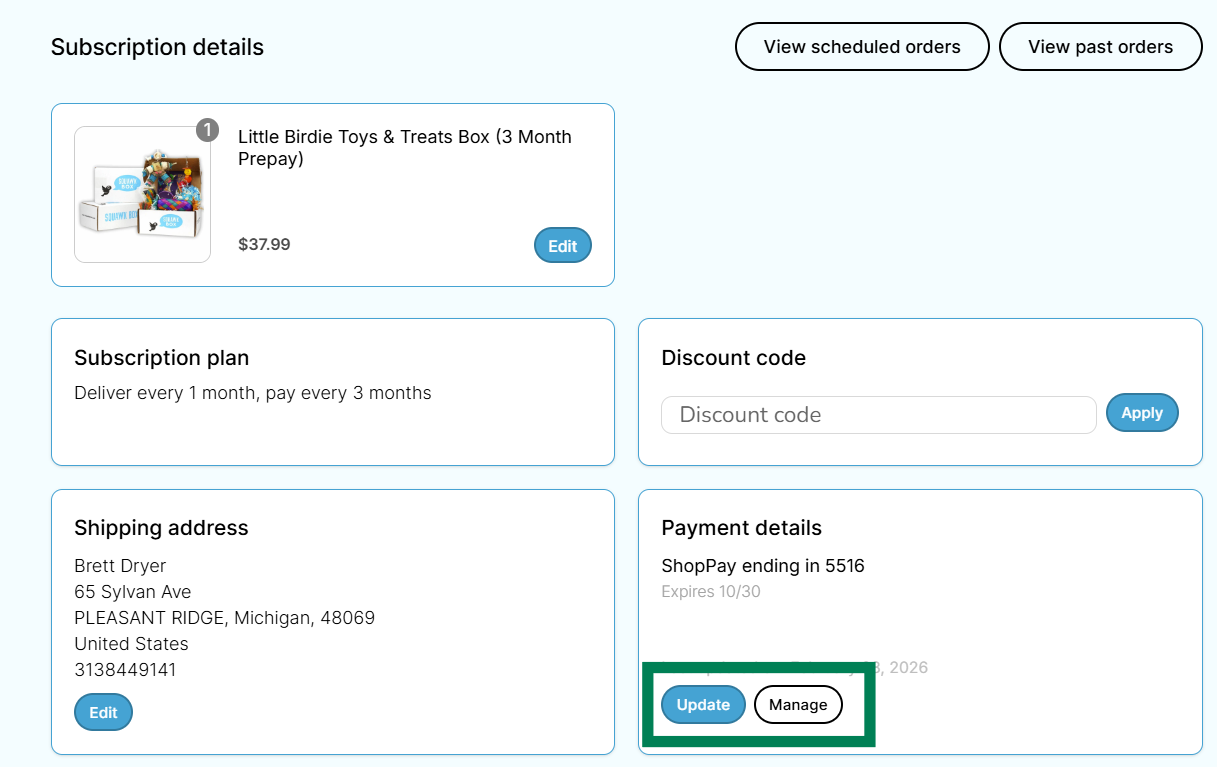
You can update your payment method in your customer portal.
Follow the following steps to update your payment method:
1. Log into your Squawk Box account
2. Click on the "Manage Subscriptions" button
3. Scroll to "Payment Details". Click manage to add a new payment method.