How can I apply a discount code to my subscription?Updated 5 months ago
If you receive a discount code from our rewards, referrals, or reviews programs, you can apply it to your current subscription in your customer portal.
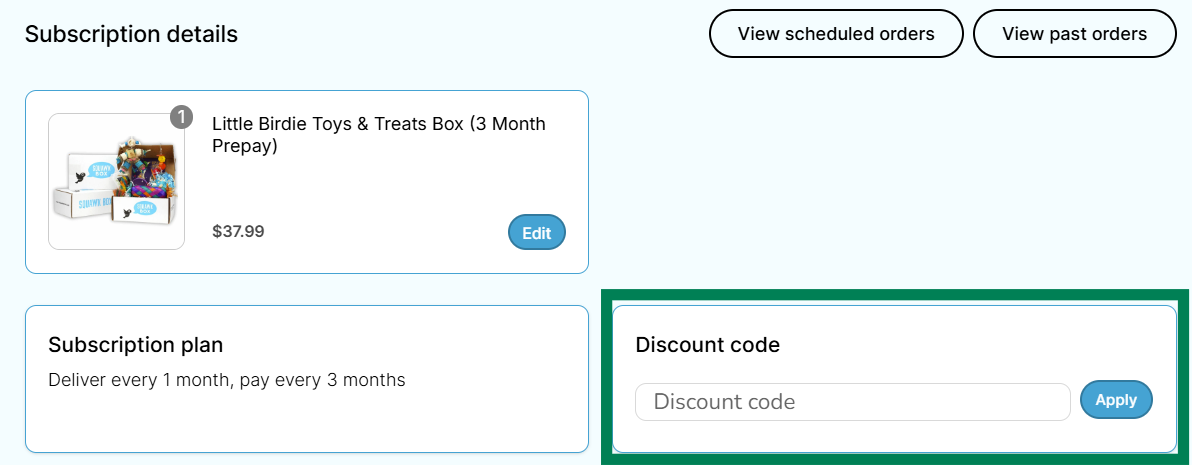
Follow these steps to add a discount code to your subscription:
1. Log into your Squawk Box account
2. Click on the "Manage Subscriptions" button
3.Select "View Details" on the subscription you wish to apply the discount to.
4. Enter your discount and select "Apply"